
How it works
Three screens. One system.
A tablet welcomes you at home. Your account opens on your computer. Your phone keeps the essentials close when you are out.

01 / IKIME
The tablet at home
Connected to a USB camera, the tablet becomes your IKIME home screen. It displays the time, date, day of the week and a greeting. The calendar resembles a tear-off page, with backgrounds that change through the year.
- Clock and calendar mode — a calm everyday display.
- Camera mode — the entrance view on your tablet.
- Motion response — switches to the camera according to settings.
- Photos and videos — captured and sent to your account when connected to the internet.
02 / IKIME
Your account on a computer
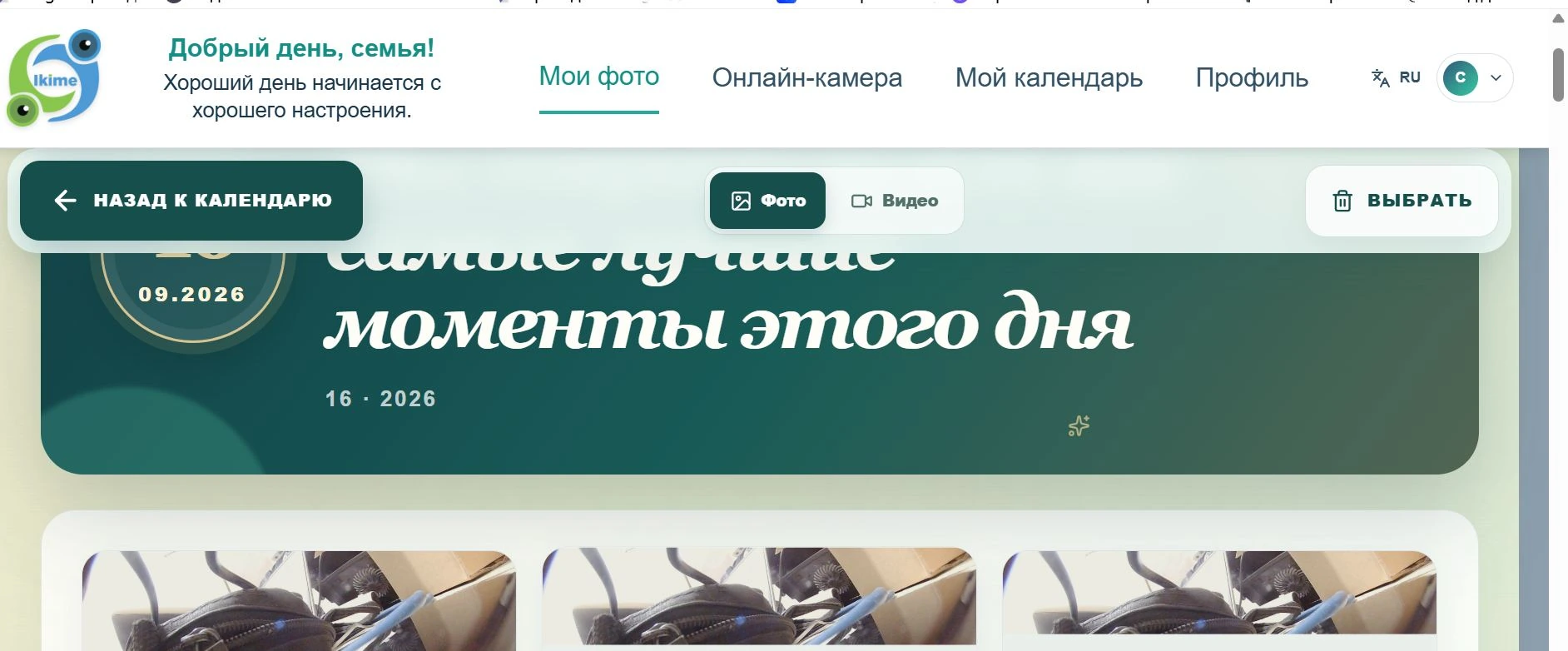
Sign in through your browser. Browse photos and videos for a selected day, manage your calendar and update your profile.
- Date-based gallery — find the day and event you need.
- Separate photo and video sections — open the relevant media.
- Reminders calendar — add plans and recurring events.
- One account connects the website, tablet and mobile app.
03 / IKIME
The mobile app
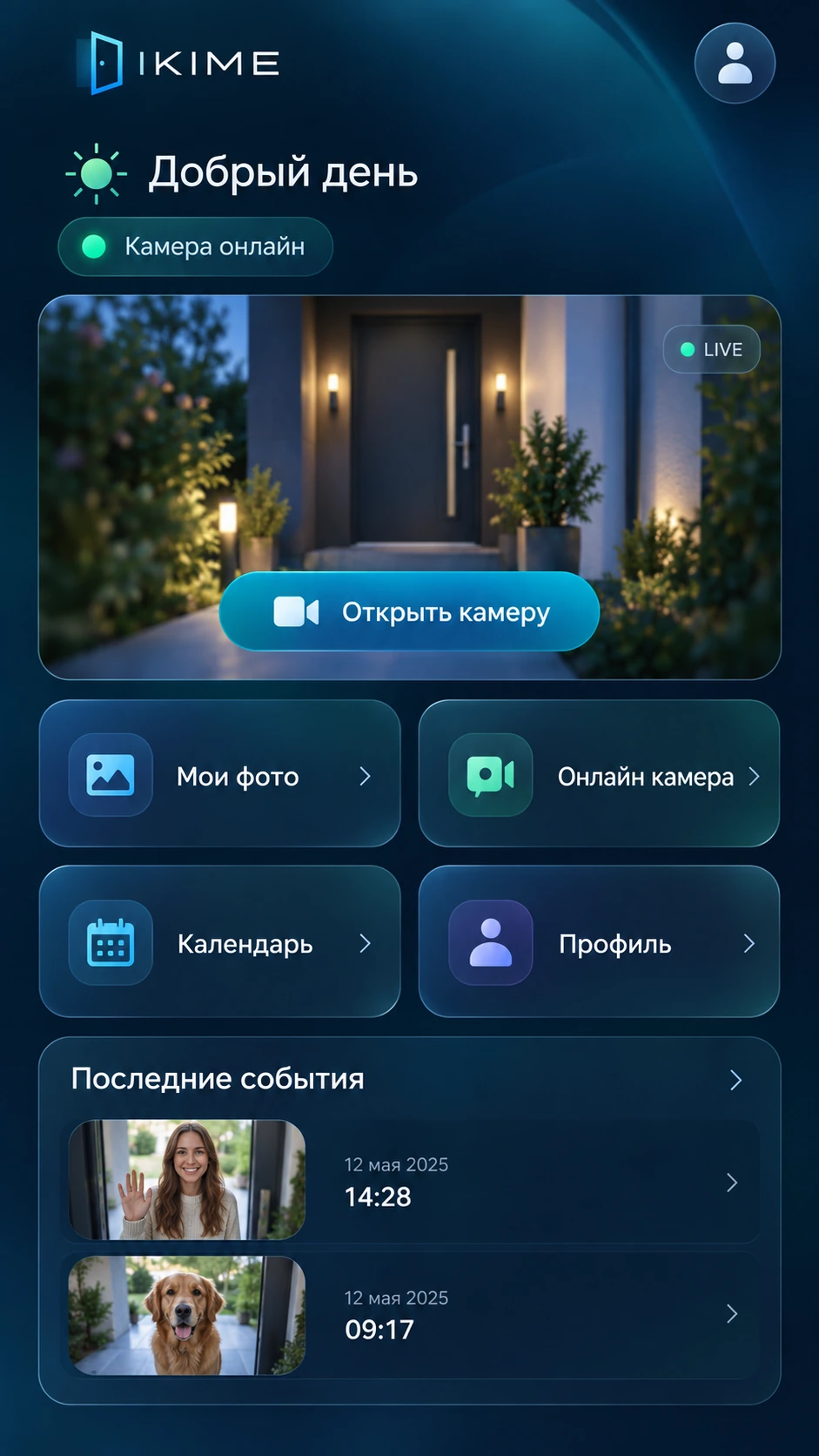
Keep IKIME close. The home screen shows camera status, camera access, photos, videos, your calendar and recent events.
- Live camera — view the entrance in the Android app.
- Photos and videos — full-screen viewing and pinch-to-zoom.
- Reminders — important dates with monthly or yearly repeats.
- Reading on one device keeps unread markers on other devices.